

Best SEO Analyzer Tools in 2026
An SEO analyzer gives you a structured view of your website’s search performance. It can highlight technical problems, on-page gaps, backlink issues and opportunities that are easy to miss when checking pages manually. This guide explains what SEO analyzers do, how they work, which tools are worth considering in 2026 and how to use their reports sensibly.
What Is an SEO Analyzer and What Does It Check?
An SEO analyzer audits a website and presents recommendations for improvement. Depending on the platform, it may identify technical issues, review on-page optimisation, analyse backlinks, track keyword rankings and compare performance with competitors. A useful tool should explain the issue and give enough context for you to decide what to do next.
How Does an SEO Analyzer Work?
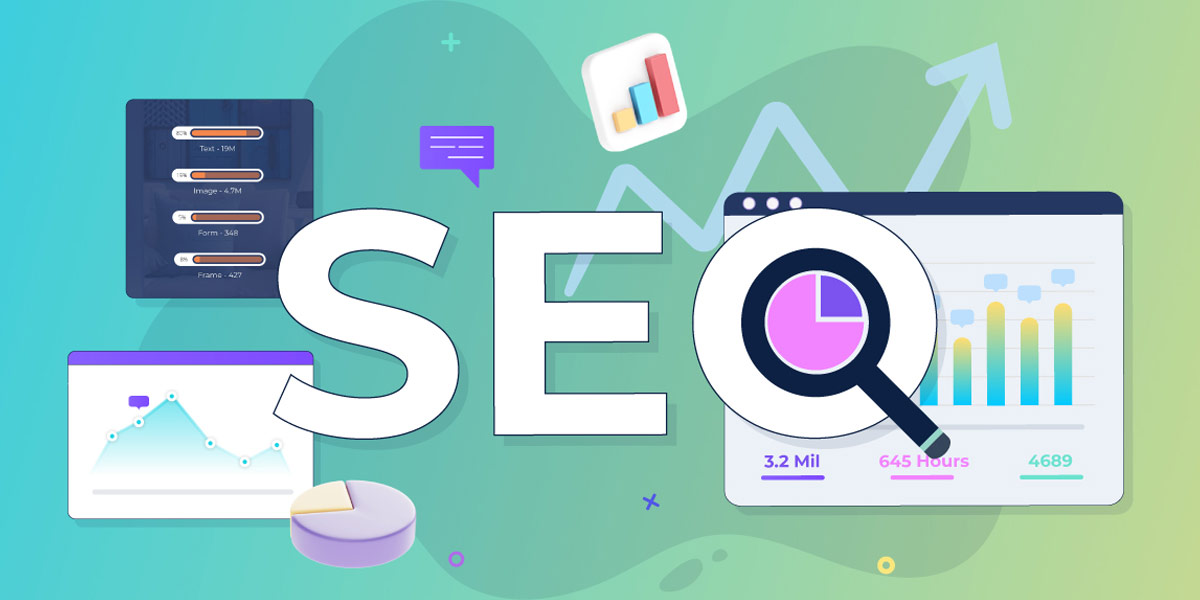
An SEO analyzer crawls a website and checks its structure, content, metadata and backlinks against a set of SEO criteria. Common checks include HTML tags, heading hierarchy, internal links, page speed, mobile usability, canonical tags and schema markup. More advanced platforms add competitor comparisons, keyword opportunity research and Core Web Vitals data.
Top SEO Analyzer Tools Compared
There are many SEO analysis tools available, from quick free checkers to full platforms for agencies and in-house teams. The options below cover different budgets and levels of detail:
| Tool | Best For |
|---|---|
| Neil Patel SEO Analyzer | Quick free audits with a scored overview and prioritised recommendations — a useful starting point for beginners. |
| SEOptimer | Fast, free website grader with white-label reporting options — useful for agencies that need repeatable reports. |
| Website Grader (HubSpot) | Entry-level audit covering performance, SEO, mobile, and security — a straightforward starting point. |
| WooRank | Comprehensive audit with actionable recommendations and competitor tracking. |
| Ubersuggest | Affordable all-in-one platform covering site audit, keyword research, and backlink analysis. |
| Sitechecker | Ongoing site monitoring with real-time alerts for SEO regressions — strong for site health tracking. |
| Raven Tools | Agency-focused platform with white-label reporting, rank tracking, and social media analytics. |
| SE Ranking | Solid mid-market platform with accurate rank tracking, site audit, and competitor research. |
| SEO Site Checkup | Quick technical audit with a detailed breakdown of over 40 SEO checks. |
| Semrush | full-featured platform for professional SEO — comprehensive site audit, keyword research, backlink analysis, and competitor intelligence. |
| Ahrefs | strong backlink database and content gap analysis — suited to experienced SEO teams. |
| Screaming Frog SEO Spider | The widely used desktop crawler for in-depth technical audits — free for up to 500 URLs. |
Benefits of Using an SEO Analyzer
Save Time and Effort
A good analyzer automates checks that would otherwise take hours. Instead of reviewing every page manually, you can identify broken links, missing alt text, slow pages and duplicate content in one report, then prioritise the issues by likely impact.
Identify Technical Issues
Technical problems can be difficult to spot without a crawl. Analyzers can find pages blocked by robots.txt, missing canonical tags, redirect chains, crawl-depth issues and Core Web Vitals problems. These checks are useful, but any recommendation should be reviewed in the context of the site. For more detail, see our guide to technical SEO.
Improve Website Traffic and Rankings
By identifying gaps in your on-page optimisation, keyword targeting and backlink profile, an analyzer helps you choose which changes to investigate first. It gives you evidence to work from rather than relying on guesswork, but improvements still depend on the quality of the implementation. See our guide to organic traffic.
Track Competitors
Many professional analyzers compare your keyword rankings, backlink profile and content coverage with competing sites. This can reveal keywords they rank for, links they have earned and topics they cover that your site does not yet address.
Monitor Website Health
SEO needs ongoing checks because sites change, content is added and plugins are updated. Monitoring can alert you to new technical issues, allowing you to review them before they affect important pages.
Types of SEO Analyzers
On-Page SEO Analyzer
An on-page SEO analyzer evaluates the content and structure of your individual pages. It assesses title tags, meta descriptions, heading hierarchy, keyword usage, content length, internal linking, and image optimisation — flagging any elements that are missing, duplicated, or outside best practice.
Off-Page SEO Analyzer
An off-page SEO analyzer focuses on your backlink profile — the quantity, quality, and relevance of external sites linking to yours. It identifies high-value link opportunities, flags toxic or spammy links that could attract a Google penalty, and tracks changes to your link profile over time.
Technical SEO Analyzer
A technical SEO analyzer audits the infrastructure of your site — crawlability, indexation, site speed, mobile-friendliness, HTTPS implementation, structured data, and Core Web Vitals. Technical issues are often the root cause of ranking plateaus, and a technical audit should be the starting point of any serious SEO project.
Key Features to Look For in an SEO Analyzer
Keyword Analysis
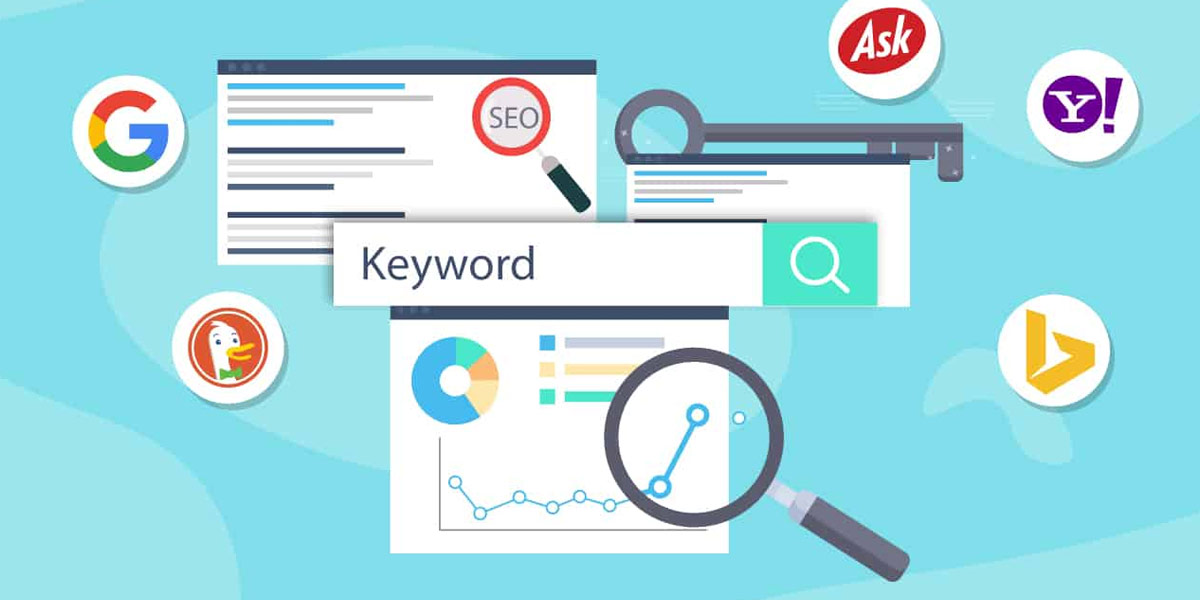
Keyword analysis helps you understand which terms your site currently ranks for, which pages are driving that traffic, and where the best opportunities for new keyword targeting lie. Look for tools that consider search intent and SERP features such as featured snippets and People Also Ask, rather than relying only on search volume and difficulty scores.
Backlink Analysis
Your backlink profile is one of the most important ranking factors. A strong analyzer will show you the full picture: total referring domains, domain authority of linking sites, anchor text distribution, and any links that may be harming rather than helping your rankings. For a practical guide to building better links, see our backlink guide.
Site Audit
A thorough site audit crawls every page of your website and checks it against hundreds of SEO criteria. The best site audits prioritise issues by severity — so you know whether to fix a problem immediately or schedule it for later — and provide clear instructions for each fix.
Competitor Analysis
Competitor analysis features let you benchmark your site against your rivals across keyword rankings, backlink strength, and content coverage. This is particularly useful for identifying quick wins: keywords where competitors rank on page one and you don’t appear at all, or pages where their content is thin and yours could dominate.
Rank Tracking
Rank tracking monitors your keyword positions over time, across different devices and locations. This is essential for measuring the impact of your SEO work, identifying drops that need investigation, and demonstrating progress to clients or stakeholders.
Core Web Vitals Reporting
A useful SEO analyzer should include Core Web Vitals data such as LCP, CLS and INP. Where possible, compare lab testing with real-user data from the Chrome User Experience Report (CrUX), because the two sources measure different aspects of performance. For more detail, see our guide to Core Web Vitals.
How to Choose the Right SEO Analyzer
Match Features to Your Needs
A freelancer running audits for small business clients has different requirements from an in-house team managing a large e-commerce site. Free tools like Screaming Frog (up to 500 URLs) and Google Search Console are excellent starting points. For more sophisticated needs — ongoing monitoring, competitor tracking, and reporting — platforms like Semrush or SE Ranking are worth the investment.
Ease of Use
The best analyzer is the one you’ll actually use consistently. Look for tools that present data clearly, prioritise issues helpfully, and don’t require a steep learning curve to extract actionable insights.
Budget
There is a genuinely useful free tier in SEO tools — Google Search Console and Google Analytics 4 are both free and irreplaceable. Screaming Frog’s free version covers sites up to 500 pages. Beyond that, paid tools typically start from around £40–£100/month. Consider what level of visibility and automation you need before committing.
Reputation and Data Accuracy
Not all SEO tools are equal in the accuracy of their data — particularly for backlink analysis and rank tracking. Ahrefs and Semrush have the most comprehensive datasets. For technical auditing, Screaming Frog is the industry standard. Read independent reviews and, where possible, trial tools before subscribing.
Tips for Using an SEO Analyzer Effectively
Start with a Full Technical Audit
Before optimising individual pages or chasing new keywords, run a full technical audit to identify any foundational issues. A site with crawlability problems, slow load times, or broken internal links will struggle to rank regardless of content quality. Fix the technical foundation first.
Set Clear Goals Before You Start
An SEO audit will surface dozens of issues. Without clear priorities, it’s easy to spend time on low-impact fixes while critical problems remain unaddressed. Define your goals upfront — whether that’s improving rankings for specific keywords, fixing crawl errors, or increasing organic traffic from a target region — and use those goals to triage the audit findings.
Monitor Progress Regularly
Run audits on a regular schedule — monthly for most sites, weekly for larger or more dynamic sites. Track your Core Web Vitals, crawl error count, and keyword rankings over time. SEO is cumulative; consistent monitoring ensures that new issues are caught early and that the impact of your improvements is measurable.
Use Multiple Tools
No single tool covers everything equally well. The most effective approach is to combine Google Search Console (authoritative data on indexation, manual actions, and Core Web Vitals) with a crawler like Screaming Frog (deep technical audit) and a platform like Semrush or Ahrefs (keyword and backlink intelligence). Together, they give you a complete picture.

Conclusion
An SEO analyzer is one of the most valuable tools in any website owner’s or SEO professional’s arsenal. Whether you’re running a quick health check on a client’s site, planning a comprehensive audit before a redesign, or monitoring an established site’s performance over time, the right analyzer will surface the issues that matter most and show you exactly how to address them.
In 2026, the best SEO analyzers go beyond simple checklists — they integrate Core Web Vitals data, competitor intelligence, AI-driven recommendations, and keyword intent analysis into a single workflow. Start with Google Search Console and a free crawl tool, and invest in a paid platform as your needs grow. The data is there; the key is knowing what to do with it.
FAQs
What is an SEO analyzer?
An SEO analyzer is a tool that audits your website across technical, on-page, and off-page factors to identify issues affecting your search engine rankings and provide specific recommendations for improvement.
Which SEO analyzer is best for beginners?
For beginners, Google Search Console (free, authoritative) combined with Neil Patel’s SEO Analyzer or SEOptimer provides a solid starting point. They’re free, easy to interpret, and surface the most common issues without overwhelming you with data.
What types of SEO analyzers are there?
The three main categories are on-page analyzers (content and page structure), off-page analyzers (backlink profile), and technical analyzers (site infrastructure, speed, and crawlability). Most professional platforms combine all three.
Do I need a paid SEO analyzer?
Not necessarily, especially when starting out. Google Search Console, Google Analytics 4, and Screaming Frog’s free version cover a significant amount of ground at no cost. Paid tools become worthwhile when you need ongoing monitoring, competitor data, rank tracking across many keywords, or white-label reporting for clients.
How often should I run an SEO audit?
For most sites, a monthly audit is sufficient to catch new technical issues and track progress. Larger sites, e-commerce stores, or sites that publish content frequently benefit from weekly crawls. After any significant site change — a redesign, migration, or CMS update — run an audit immediately.


