


If your website isn’t ranking where you’d expect it to, the problem is often on-page SEO. Not because on-page is complicated — but because it’s easy to overlook the details that add up. This checklist covers every element that matters in 2026, from keyword research and content structure through to technical on-page signals that most sites get wrong.
What Is On-Page SEO?
On-page SEO is the practice of optimising individual web pages to rank higher and earn more relevant traffic from search engines. It covers both the content and the HTML source code of a page — as distinct from off-page SEO, which focuses on external signals like backlinks and brand mentions.
The goal is straightforward: make it as easy as possible for search engines to understand what a page is about, and make it as useful as possible for the people who land on it. When both of those things are true, rankings and traffic tend to follow. A thorough SEO audit is the best starting point for identifying where your current on-page optimisation is falling short.
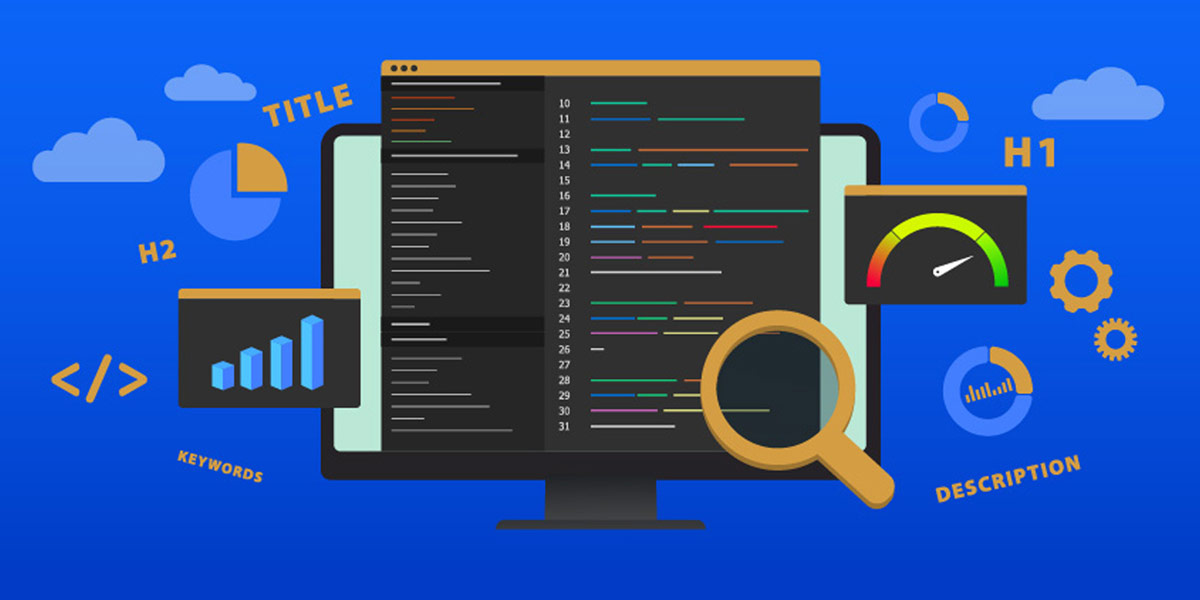
The Ultimate On-Page SEO Checklist 2026 — What On-Page SEO Covers
Keyword Research: The Foundation of On-Page Optimisation
Every piece of on-page optimisation starts with knowing what you’re optimising for. Keyword research identifies the terms and phrases your target audience is actually searching for — and, crucially, the intent behind those searches.
Use tools like Google Keyword Planner, Semrush, or Ahrefs to build a list of relevant terms. Prioritise long-tail keywords — they’re more specific, easier to rank for, and typically attract visitors with clearer intent. Then check the actual SERP for each target keyword before you write anything: the type of content Google is ranking (guides, product pages, listicles, comparison articles) tells you exactly what format and depth your page needs to match.
Once you have your target keyword, map it to a single page. Targeting the same keyword across multiple pages creates keyword cannibalism, which splits your ranking signals and prevents either page from performing well.
Keyword Research — The Starting Point for Every On-Page Optimisation
Crafting SEO-Friendly Content: Tips and Best Practices
Content quality is the single most important on-page factor. Google’s Helpful Content System actively evaluates whether content is written for people or for search engines — and demotes pages that prioritise the latter. Here’s what SEO-friendly content looks like in practice:
- Conduct thorough keyword research before writing, and understand the intent behind your target terms.
- Use your primary keyword in the title, first paragraph, at least one subheading, and naturally throughout the body — without forcing it.
- Write content that genuinely answers the user’s question better than the pages currently ranking. Depth matters; padding does not.
- Use descriptive, specific headings that tell the reader exactly what each section contains.
- Break up long paragraphs. Use subheadings, bullet points, and numbered lists to make content scannable — most users read in an F-pattern, not linearly.
- Include relevant images, diagrams, or video to enhance the user experience and support comprehension.
- Write naturally. Keyword density is not a metric worth optimising for — clear, readable prose that covers a topic thoroughly will always outperform stilted, keyword-stuffed writing.
- Demonstrate E-E-A-T (Experience, Expertise, Authoritativeness, Trustworthiness) — cite sources, name authors, include data, and show that the content comes from someone with genuine knowledge of the subject.

Crafting SEO-Friendly Content — What Google Rewards in 2026
Title Tags, Meta Descriptions, and Header Tags
Title Tags
The title tag is the single most important on-page SEO element. It tells both Google and users what the page is about, and it’s the primary text displayed as the clickable headline in search results. Every page should have a unique title tag that:
- Includes the primary keyword, ideally near the beginning
- Is no longer than 60 characters (approximately 580px — the limit Google displays before truncating)
- Is written to attract clicks, not just to satisfy a keyword requirement
- Accurately reflects the content of the page
For guidance on writing effective titles, see our full guide on how to write meta titles and descriptions.
Optimising Meta Descriptions for Click-Through Rate
Meta descriptions don’t directly influence rankings, but they significantly influence click-through rate — which in turn affects how much organic traffic your page actually receives. A well-written meta description:
- Summarises the page content clearly and accurately
- Includes the primary keyword (Google bolds matching terms in search results)
- Contains a clear call to action where appropriate
- Stays within 150–160 characters — Google truncates anything longer
- Is unique across every page on your site
Header Tags: Structure for Users and Search Engines
Header tags (H1 through H6) create the content hierarchy of a page — both for users scanning the content and for search engines understanding its structure. Use them as follows:
- H1: One per page, containing the primary keyword, describing the page’s main topic. Keep it under 65 characters.
- H2: Major sections of the page. Include secondary keywords naturally where relevant.
- H3–H6: Subsections within H2 sections. Don’t skip levels (e.g., jumping from H2 to H4 without an H3 in between).
Headers should describe the content that follows, not just exist for the sake of keyword placement. If a heading doesn’t help a user navigate the page, rewrite it.
Using Title, Meta Description, and Headers Together
These three elements work as a system. The title tag positions the page in search results; the meta description persuades users to click; the H1 confirms they’ve arrived in the right place; the subsequent headers guide them through the content. When all four are consistent, specific, and aligned with the same search intent, the result is a page that performs well both in SERPs and for users.

Optimising Images and Videos
Images and video add value to pages — but they need to be handled correctly to avoid creating performance problems or losing SEO signals.
For images:
- Compress all images before uploading. Use WebP format where possible — it delivers smaller file sizes than JPEG or PNG without visible quality loss.
- Add descriptive alt text to every image. Alt text is read by screen readers (accessibility) and by Googlebot (context). It should describe what the image shows, and can include a relevant keyword where it fits naturally — not as a string of keywords.
- Use descriptive file names before uploading (e.g., on-page-seo-checklist.webp rather than IMG_4821.jpg).
- Set explicit width and height attributes on all images to prevent layout shift (a Core Web Vitals metric — CLS).
- Implement lazy loading for images below the fold.
For video:
- Host video on YouTube or Vimeo and embed rather than self-hosting — self-hosted video significantly increases page weight.
- Add transcripts where practical. Transcripts provide text content that search engines can index and improve accessibility for users who prefer reading.
- Add VideoObject schema to pages with embedded video to improve the chance of a video rich result in Google.

Image and Video Optimisation — Performance and SEO Go Hand in Hand
Internal Linking
Internal linking serves two purposes simultaneously: it helps search engines understand your site’s structure and distributes PageRank between pages; and it guides users to relevant content, improving engagement and reducing the chance they’ll leave without finding what they need.
For on-page SEO, the key rules are:
- Use descriptive anchor text — the linked phrase should describe the destination page’s topic, not just say “click here” or “read more”.
- Link to genuinely relevant pages. Internal links that help users find related content are valuable; links added purely for keyword reasons are not.
- Ensure every important page on your site is reachable within three clicks from the homepage. Pages buried deeper than that receive less crawl frequency and weaker PageRank flow.
- Use Google Analytics 4 to identify high-traffic pages and consider whether they’re linking out to supporting content effectively.
A strong internal linking strategy — particularly a hub-and-spoke model where pillar pages link to and from related cluster articles — is one of the highest-impact on-page improvements most sites can make.
Mobile Optimisation
Google uses mobile-first indexing, meaning it crawls and indexes the mobile version of your site for ranking purposes. If your mobile experience is inferior to your desktop version — thinner content, missing structured data, slower load times — your rankings will reflect that.
To ensure your site is mobile-ready:
- Use a responsive design that adapts cleanly to all screen sizes without requiring a separate mobile URL.
- Keep paragraphs short. On mobile, dense blocks of text are harder to read and more likely to cause users to leave.
- Use font sizes of at least 16px for body text. Avoid text that requires pinch-to-zoom.
- Ensure tap targets (buttons, links) are large enough and sufficiently spaced to be usable on a touchscreen.
- Test your pages using Google Search Console’s Mobile Usability report and PageSpeed Insights, which now incorporates the former Mobile-Friendly Test functionality alongside Core Web Vitals data.
Core Web Vitals and Page Speed
Page speed has been a ranking factor for years, and Google’s Core Web Vitals — introduced as formal ranking signals — make it measurable in specific, actionable terms. The three metrics to monitor are:
- LCP (Largest Contentful Paint): How long it takes for the main content to load. Target: under 2.5 seconds.
- CLS (Cumulative Layout Shift): How much the page layout shifts unexpectedly as it loads. Target: under 0.1. Set explicit image dimensions to avoid this.
- INP (Interaction to Next Paint): How quickly the page responds to user input. Target: under 200ms. This replaced FID as a Core Web Vital in March 2024.
Monitor these in Google Search Console under the Experience section, and use PageSpeed Insights for page-level diagnostics. For WordPress sites, a well-configured caching plugin (WP Rocket or W3 Total Cache) alongside image optimisation addresses the majority of speed issues.
Schema Markup
Schema markup (structured data) adds machine-readable context to your page content, enabling Google to display rich results — FAQ dropdowns, star ratings, breadcrumbs, article dates, and more — in the SERPs. In 2026, schema is also increasingly relevant for appearing in AI Overviews.
For most content sites, the minimum schema set worth implementing is: Article (for blog posts), FAQPage (for any page with a Q&A section), BreadcrumbList (for all pages), and LocalBusiness (for the homepage and contact page). Rank Math handles all of these natively for WordPress sites.
Measuring On-Page SEO Success
Optimisation without measurement is guesswork. The key metrics to track after implementing on-page changes are:
- Keyword rankings: Track target keywords over time using a rank tracker. Rankings take weeks to move — check monthly rather than daily.
- Organic click-through rate: Found in Google Search Console → Search Results. A high impression count but low CTR means your title or meta description isn’t compelling enough.
- Bounce rate and engagement rate: In Google Analytics 4, a high bounce rate on a content page often signals a mismatch between what the user expected and what they found. GA4’s engagement rate (the inverse of bounce rate) is the more useful metric.
- Average engagement time: The equivalent of dwell time in GA4. Users spending time on a page signals that the content is satisfying their intent.
- Core Web Vitals: Monitor these quarterly in Google Search Console to ensure performance improvements are maintained.
By tracking these metrics consistently and making adjustments based on what the data shows, on-page SEO becomes a continuous improvement process rather than a one-off task.
For WordPress-specific guidance, see our separate WordPress SEO checklist, which covers plugin configuration, theme considerations, and platform-specific optimisation steps. Choosing the right SEO plugins for WordPress is an important step in implementing these on-page recommendations.


