


Google Business Profile for gyms and fitness businesses can help a potential member understand the facility before visiting the website, booking a tour or starting a trial. The profile can show the location, opening hours, classes, facilities, photos, reviews and booking route. Its value depends on accuracy: a polished listing that gives the wrong timetable or sends people to an unsuitable page will not create a good member experience.
This guide focuses on managing the profile for gyms, fitness centres, studios, personal training facilities and class-based businesses. It is separate from the broader Fitness SEO strategy, the Local SEO for Gyms guide and the article about gym classes, memberships and trial sessions.
Give the business one clear identity
Start with the genuine public name of the gym or studio. Do not add location keywords, class names or promotional claims to the name if they are not part of the real brand. The profile should match the sign outside, the website, membership documents and booking emails.
Choose the primary category that best describes the business. A gym, fitness centre, yoga studio, Pilates studio, boxing gym and personal trainer may need different categories. Add secondary categories only when they represent genuine parts of the offer.
Categories help Google and members understand the business, but they do not replace clear service pages. The website should still explain memberships, classes, personal training and trial visits in practical language.

Keep location, hours and access details accurate
Check the address, phone number, website link and opening hours. A gym may have staffed hours that differ from member access hours, so explain the difference on the website and make the profile information as clear as possible.
Include practical access information such as parking, public transport, entrance instructions and accessibility where relevant. A first-time visitor should know how to find the facility, especially if it is inside a larger building or shared site.
Update holiday hours, temporary closures, refurbishment periods and changes to access. A member planning an early session may rely on the profile more than the homepage.
If the business operates from a private or residential address, choose an appropriate setup and do not publish personal information simply to appear more local.
Build a useful service and facility list
List the services people can actually use: gym access, strength training, group classes, personal training, Pilates, yoga, assessments, tours, trials or specific facilities. Use language a member recognises rather than a list of internal programme codes.
Keep service descriptions short but meaningful. Explain whether a class is included in membership, whether a consultation is needed and where the visitor can learn more. Avoid guarantees about health, weight loss or performance.
Review the list when equipment changes, a class ends, a new coach joins or the membership structure is updated. An old facility or service can create the wrong kind of enquiry.

Link to the right membership or booking route
The website link should help the visitor take the next step. A general gym may link to a membership or tour page. A studio may need to send people to a class timetable. A personal training facility may need a consultation page.
Do not send every person to the homepage if the profile can link to a more relevant destination. A member searching for a beginner class should not have to find the timetable through several unrelated menus.
Test the booking route on a phone. Check that the selected location, class, trial or membership remains clear through confirmation. If the visitor needs to ask a question before joining, show a monitored phone or message route.
Use real photos of the member experience
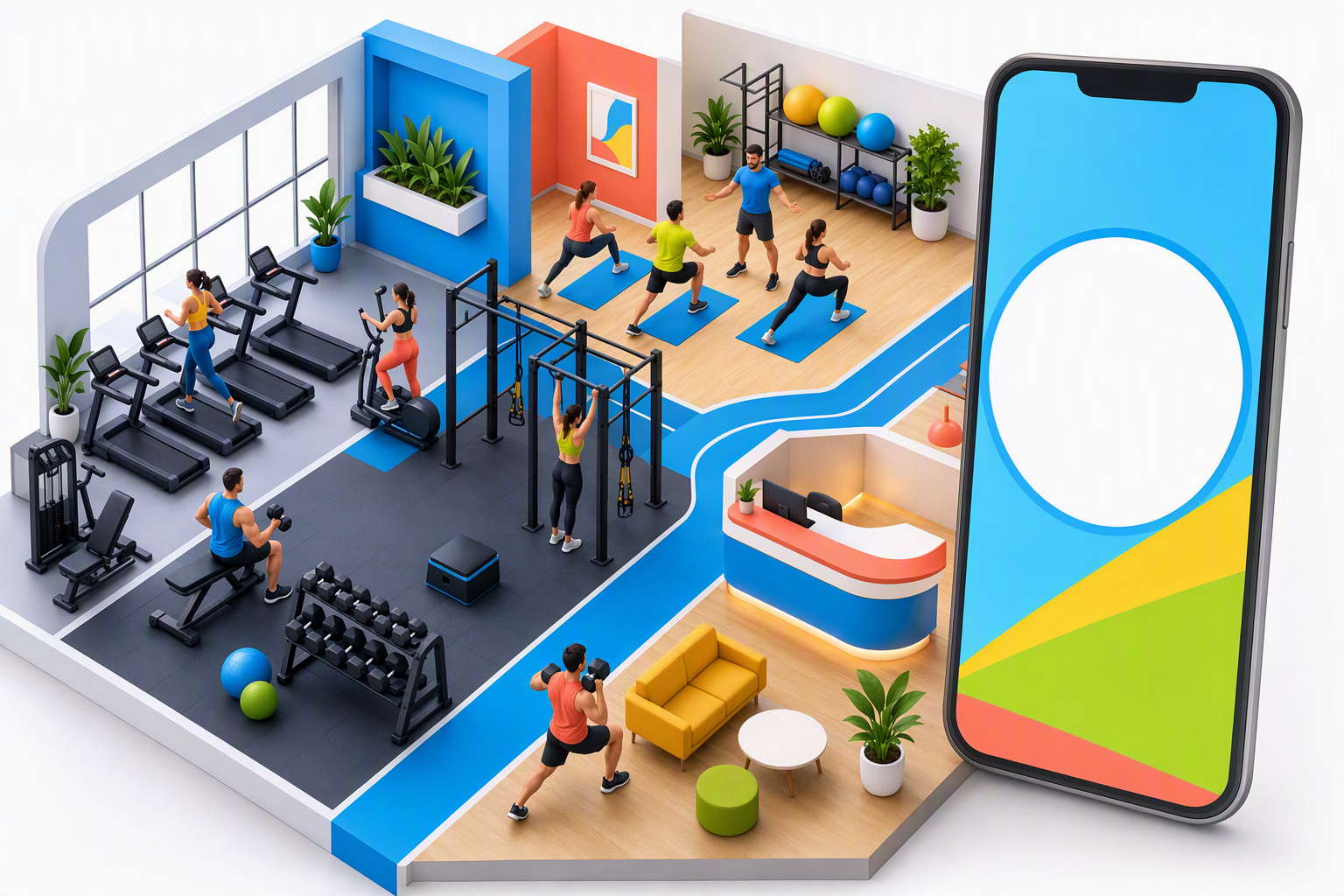
Photos can reduce uncertainty for a new visitor. Show the entrance, reception, training floor, studios, equipment, instructors and atmosphere where appropriate. A person should be able to recognise the facility when they arrive.
Use current photographs rather than generic fitness stock images. A real studio or gym communicates more useful information about space, equipment and atmosphere than a staged image that does not represent the business.
Protect members’ privacy. Ask permission before publishing identifiable people, avoid showing forms or screens with personal information and remove images after a refurbishment if they no longer match the facility.
Keep classes and timetables aligned
Class information may appear in the profile, website, booking system and social channels. Decide which source owns the live timetable and make the other routes point to it. Do not leave an old class time visible in one place after it has changed.
Show class level, duration, instructor, location and booking conditions on the detailed page. The profile can introduce the class, but members need a reliable route to availability and reservation.
If a class is full, provide a waitlist or alternative where possible. If a trial does not include every session, explain which classes or times are available.
Ask for honest member reviews
Reviews can show what the gym experience is like for beginners, regular members and class attendees. Ask for genuine feedback after a real visit or membership experience. Do not offer a reward for a positive rating or tell members what words to use.
Respond professionally to concerns. Do not confirm private membership, health or payment details in public. Invite a private conversation where appropriate and use recurring feedback to improve the facility or information.
Reviews should support accurate service details, not replace them. A new visitor still needs to know the hours, facilities, classes and joining route.
Manage multiple locations consistently
Businesses with several gyms or studios need a profile process. Record each branch’s address, phone, hours, facilities, classes, photos, booking link and contact owner.
Give each location genuine information. Show the trainers, equipment, classes and access differences that matter to members. Do not duplicate one page and change only the town name.
Review listings after a move, timetable change, new branch opening or membership update. A central checklist can prevent one branch from keeping an old phone number or booking link.

Use profile updates to answer member questions
Profile updates can introduce a new class, explain a timetable change, share a tour opportunity or highlight a facility. They should help a potential member decide what to do next rather than repeat the same promotional sentence.
Useful topics include what happens during an induction, how to prepare for a beginner class, when a new studio opens, how a seasonal timetable works or what members should know before booking a trial. Link to a page that contains the full details and keep time-sensitive information current.
Do not leave an expired challenge, offer or timetable as the most visible update. Assign responsibility for reviewing posts and profile information so the listing remains a reliable first impression.
Give the team a profile-maintenance routine
Profile accuracy is easier to maintain when it is part of an operating routine. Decide who checks hours, services, photos, reviews, questions, booking links and class information. Review the profile after staffing, pricing, access or timetable changes.
Reception should know which page or booking route a visitor sees after clicking from Google. Coaches can report questions that members repeatedly ask, while the marketing owner can turn those questions into clearer profile and website content.
A monthly check is useful, but urgent changes should be made immediately. A temporary closure or cancelled class should not wait for the next scheduled review.
Keep profile promises aligned with capacity
The profile should reflect what the team can deliver. If the gym is temporarily full, a class is unavailable or a trial is paused, update the relevant route rather than allowing a visitor to make an impossible booking.
Align staff information, membership options, opening hours, class access and contact details across the profile and website. Conflicting information creates unnecessary calls and weakens trust.
Make sure reception knows what visitors see in Google. The team can then answer questions consistently and identify where the profile or website needs clarification.
Support first-time visitors with clear expectations
A new member may be unsure where to park, how early to arrive, whether changing rooms are available or whether they need to bring a mat. These details can be added to the website and linked from the profile or booking confirmation.
Explain what happens at a tour, trial or induction. A visitor who knows who will greet them and what they will do first is more likely to arrive confidently and less likely to abandon the booking.
Keep the wording welcoming without making promises about health or performance. The purpose is to reduce practical uncertainty and help someone decide whether the facility is a suitable fit.
Measure profile actions and new members
Track website clicks, calls, direction requests, tour bookings, trial registrations, class reservations and membership enquiries. Where possible, compare those actions with completed memberships and attendance.
Fitness GSC data includes fitness seo with 169 impressions, seo gyms with 152, gym seo with 73, seo services for gyms with 54 and seo for fitness centers with 19. These phrases show wider demand, but profile success should be judged by suitable members and enquiries.
Use Google’s official Business Profile guidance for profile management and Google Search Console to review related organic queries and pages.

Common profile mistakes for fitness businesses
Adding keywords to the business name
Use the genuine brand name and describe services in the appropriate fields.
Showing old hours or timetables
Update holiday hours, access times, classes and temporary changes quickly.
Using generic photos
Show the real facility, equipment and experience while protecting member privacy.
Linking every visitor to the homepage
Use a relevant tour, trial, class or membership destination.
Measuring profile views only
Connect profile actions with tours, trials, memberships and attendance.
FAQs
What is Google Business Profile for gyms?
It is the local Google listing that represents a gym or fitness business in Search and Maps. It can show hours, services, classes, photos, reviews, location information and booking routes.
Which category should a fitness business choose?
Choose the most accurate primary category for the real business and add secondary categories only when they represent genuine services.
Can a gym add classes to its profile?
Where the available profile features support it, accurate class or service information can help visitors understand the offer. Detailed timetables should remain on a page the business can keep current.
How can gyms get more members from Google?
Keep the profile accurate, show the real facility, explain classes and membership routes, collect honest reviews and make tours or trial bookings easy.
Final thoughts
A strong Google Business Profile gives a gym or fitness business a reliable local front desk. Accurate identity, hours, services, photos, classes, reviews, branch details and booking links help a searcher decide whether to visit, trial or join.


