


SaaS feature pages and integration pages can attract highly relevant searches when they explain what a product does, who benefits from it and how the workflow works in practice. They are especially useful for software buyers who already understand their problem and are comparing tools, capabilities or connections with the systems they already use.
This guide explains how SaaS companies can create feature and integration pages that support search visibility, product evaluation and qualified sign-ups. It complements the SaaS SEO strategy and the SaaS SEO product-search guide. The article focuses on page structure and intent, not comparison pages or the wider product-led SEO model.
Give every feature page a clear purpose
A feature page should answer a specific set of questions. What does the function do? Which problem does it solve? Who uses it? What does the workflow look like? What are the important limits? What should the visitor do next?
Start with the feature’s role in the product rather than its internal name. A new visitor may not understand a label created for the product roadmap, but they may search for automated approvals, shared reporting, client portals or scheduled notifications.
Use the product name when it helps existing users, then explain it in language a prospect can understand. This makes the page useful for both branded and non-branded searches.
Connect the feature to a real workflow
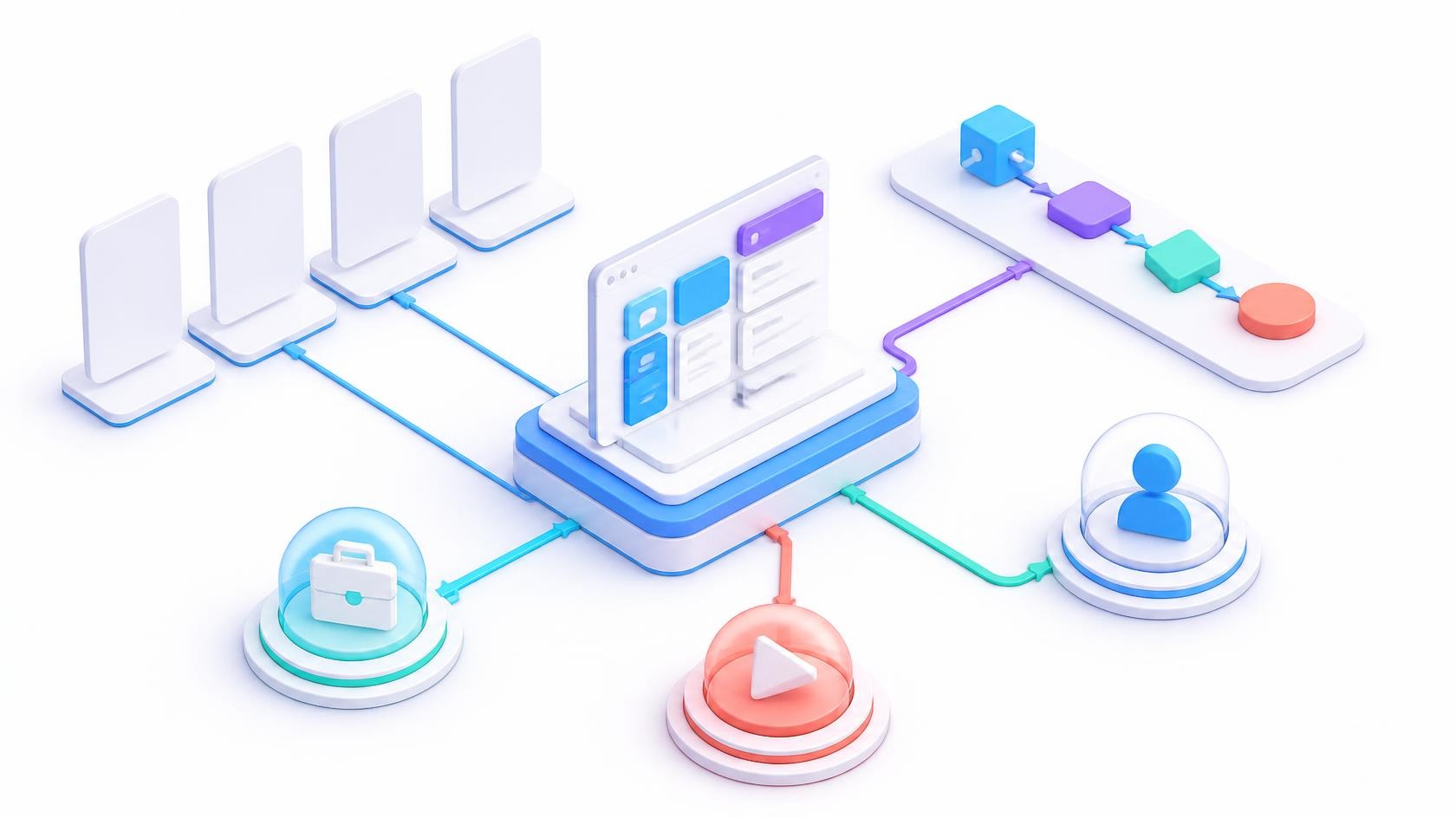
Feature descriptions become stronger when they show where the function sits in a real process. Explain what happens before the feature is used, what the user does inside the product and what outcome follows.
For example, an approval feature page can explain how a request is created, who receives it, which permissions apply, how changes are recorded and what happens after approval. This is more useful than saying the product offers “powerful approval automation”.
Use screenshots, short videos or diagrams when they improve understanding. Describe the important steps in page text as well so the page does not depend entirely on an image or embedded player.
Target feature searches without creating thin pages
Not every small function needs its own URL. Create a separate feature page when the function has distinct search intent, a meaningful use case, independent evidence or a clear role in the buying decision.
Combine minor settings or closely related functions when separate pages would repeat the same explanation. A large set of near-identical URLs can make navigation harder and create uncertainty about which page is the main answer.
Use internal links to connect a feature to relevant use cases, industries, integrations, documentation and the product route. The page should have a useful place in the wider information architecture.
Explain who should use the feature
The same feature may have different value for different teams. A reporting function may help an operations manager monitor work, a finance team review costs or an agency share progress with clients.
State the intended user and context clearly. If the feature is available only on a particular plan, workspace type or product edition, explain that accurately. Hidden restrictions often create disappointment after a trial or demo.
Use real examples without exposing customer data. An anonymised workflow can show the feature’s value while protecting the customer and keeping the page focused on the process.

Build integration pages around the connection
An integration page should explain how two systems work together. Identify the connected platforms, the direction of data flow, supported actions, setup requirements, permissions, limits and the practical result.
Do not treat an integration page as a logo collection. A buyer wants to know whether the connection solves a specific workflow and whether it is suitable for their account, plan and technical setup.
Explain who can configure the integration and whether technical support is available. If the setup requires an administrator, developer or paid plan, make that clear before the visitor starts the process.
Use customer language for integration searches
Integration queries may contain the two product names, a use case or a technical action. Someone may search for connecting a CRM to an email platform, syncing records between systems or sending notifications into a collaboration tool.
Use the names customers recognise, including the official product spelling where appropriate. Add the workflow phrase when it accurately describes the supported connection.
Do not create pages for unsupported combinations simply because there is search volume. A page that promises an integration the product does not provide can create poor leads, support tickets and reputational damage.
Document setup and permissions clearly
Integration content should explain the steps a user can expect. Cover authentication, account permissions, setup sequence, mapping, sync timing, error handling and how the connection can be paused or removed.
Do not publish credentials, private keys or customer-specific configuration. Link to appropriate documentation for technical details and keep the marketing explanation understandable for a non-developer evaluator.
When an integration uses OAuth, explain the permission concept in plain language. The OAuth 2.0 resources provide public technical context, but the SaaS team should document its own scopes, data access and security practices.
Show supported actions and limits
A useful integration page states what the connection can do and what it cannot do. Mention supported triggers, actions, fields, objects, sync direction, frequency, data limits and plan requirements when they affect the decision.
Keep the information current with product releases. An integration that once supported one workflow may change as APIs, permissions or product plans evolve.
Use a clear “last reviewed” process internally even if the date is not displayed publicly. Product, engineering, support and marketing should agree who owns the page when the connection changes.
Review the page after a major API, pricing or authentication change. Check the screenshots, setup steps, permission wording, supported actions and links to documentation. A small mismatch can stop a user during setup even when the underlying integration still works.

Connect feature pages to pricing and product paths
A visitor who understands a feature may want to know whether it is available on their plan, whether they can test it and what happens next. Link to pricing, trial, demo or sign-up content where appropriate.
Do not use a feature page to conceal important plan restrictions. Clear availability information helps the visitor decide whether to continue and gives sales a more informed conversation.
Match the call to action to the product model. A self-serve tool may use “Try the feature” or “Start free”. An enterprise product may need “Book a technical demo” or “Discuss your workflow”.
Use technical evidence responsibly
Feature and integration claims should be supported by the product. Avoid vague promises about automation, security, speed or compatibility when the page does not explain how the claim applies.
For APIs and integrations, publish reliable documentation and version information where it is useful. The MDN HTTP overview provides general web context, but it does not replace the SaaS company’s own API, authentication or integration documentation.
Make security information specific enough to be useful without exposing sensitive architecture. Link to a security page, trust centre or data-processing information when buyers need additional detail.
Make feature content accessible
Use descriptive headings, readable text, keyboard-friendly controls and useful text alternatives for screenshots. Do not place the only explanation of a feature inside an image or video.
Keep demonstrations understandable when sound is unavailable. If the page embeds a video, provide a short text summary and captions where appropriate. This helps users evaluate the feature without depending on one format.
Use the W3C accessibility guidance as a reference, while testing the actual page and product experience with relevant users and tools.

Use internal links to show product relationships
Link feature pages to the use cases they support, the plans where they are available and the integrations that extend the workflow. Link integration pages back to the product functions that make the connection useful.
Use descriptive link text such as “see approval automation for finance teams” or “review the CRM integration setup”. Avoid a page full of repeated “learn more” links that hide the destination.
Keep the link structure understandable to users and crawlers. The upcoming SaaS Comparison Pages article will focus on comparison intent, while this article owns the feature and integration relationship.
Use GSC and product data to prioritise pages
The current GSC report shows seo for tech companies with 108 impressions, b2b saas seo with 75, enterprise saas seo with 52 and saas technical seo with 50.
It also includes technical seo for saas with 32, seo for saas companies with 25, seo services for saas with 19, seo for saas startups with 18 and seo for martech companies with 10.
Use Google Search Console performance reporting alongside product analytics and support questions. A feature with many impressions but weak engagement may need clearer language, stronger screenshots or a better match between the search and the page.
Measure feature-qualified behaviour
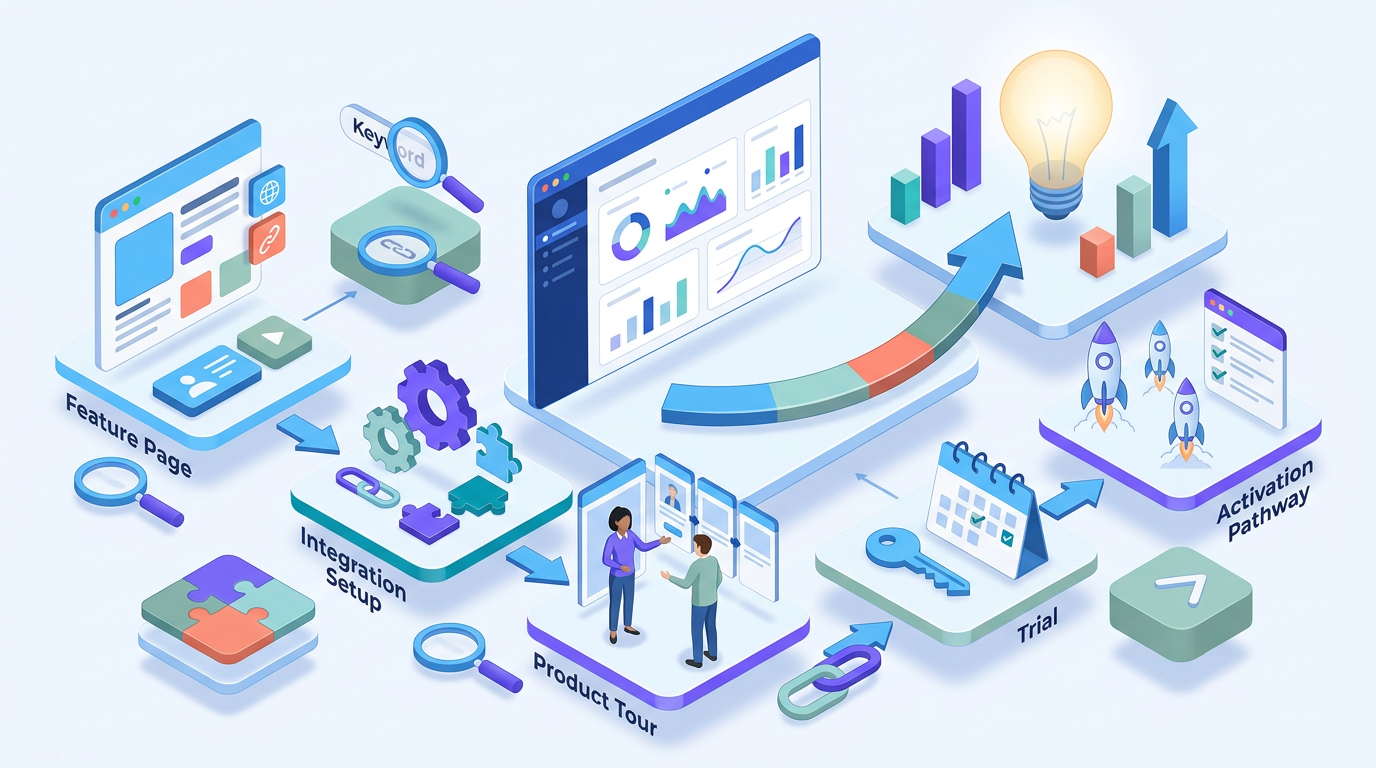
Track organic visits to feature and integration pages, product-tour starts, documentation clicks, trial starts, demo requests, activation of the relevant feature and support outcomes.
For integrations, measure setup starts, successful connections, first completed action and disconnection or error patterns. A page can attract the right search but still fail if setup is unclear.
Connect the data to product and customer success feedback. If visitors repeatedly ask a question that the page should answer, improve the page rather than simply adding more keywords.
Measure the quality of the resulting users as well as the number of visits. A page that attracts fewer searches but leads to successful activation of the relevant feature may be more valuable than a broad page with high traffic and little product use.
Common feature and integration page mistakes
Repeating a feature label without explaining it
Describe the workflow, user, outcome and limitations.
Creating pages for every minor setting
Use separate URLs only when the intent and information are genuinely distinct.
Displaying integration logos without details
Explain supported actions, setup, permissions, limits and use cases.
Promising unsupported connections
Publish only integrations that exist, are maintained and are available to the intended audience.
Ignoring feature availability
State plan, account, region or technical requirements that affect the decision.
FAQs
What should a SaaS feature page include?
It should explain the feature’s purpose, workflow, users, use cases, evidence, limits, availability and next action.
What makes a good integration page?
A good integration page explains the connected systems, supported actions, data flow, setup, permissions, limits, requirements and practical outcome.
Should every SaaS integration have its own page?
Create a separate page when the integration has distinct search intent, supported workflows and useful documentation. Combine minor variations when the content would be repetitive.
How do feature pages support SaaS SEO?
They give specific product searches a relevant destination and help qualified visitors understand whether the software can solve their problem.
Final thoughts
SaaS feature pages and integration pages work best when they explain a real workflow rather than repeat product labels. Clear use cases, accurate setup information, honest limitations, accessible demonstrations and relevant internal links can help the right searcher move from discovery to product evaluation.
Related guides: product-led SEO for SaaS companies.


