

Local SEO for restaurants helps hungry customers find the right venue, check the menu, see opening hours and make a booking. A restaurant can have excellent food and service, but local search still needs to communicate where it is, what it serves, when it is open and how a guest can reserve a table.
This guide explains how restaurants, cafés, pubs, bistros and hospitality businesses can improve local visibility and generate more suitable bookings. It supports the wider Hospitality SEO strategy and is separate from the future articles about Google Business Profile, restaurant SEO keywords and reviews.
Match the local search to the dining decision
Restaurant searches are usually practical. Someone may be looking for a restaurant near a station, a place for a particular cuisine, a venue open late, a family-friendly dining option or somewhere suitable for a special occasion.
The result needs to answer the decision quickly. Show the cuisine, location, opening times, price expectations where useful, menu route, booking method and important access information. A generic homepage that hides the menu or booking button may lose a customer who is ready to choose.
Search intent also changes by occasion. A lunchtime search may prioritise speed and location, while an evening or event search may prioritise atmosphere, group bookings and availability. Use the website to support these genuine needs without creating pages for every invented variation.
Keep the restaurant’s local identity consistent
Use the real business name, address, phone number, website and opening hours consistently across the website, Google Business Profile, booking platforms and relevant directories. Differences can make it harder for a guest to know which information is current.
If the restaurant has a name that includes a location, use the genuine brand name as it appears on signage and official materials. Do not add extra towns, cuisine terms or promotional wording merely to manipulate local relevance.
Check the address format and entrance details. A restaurant inside a hotel, market, shopping centre or larger venue may need clear instructions so a first-time guest can find the correct entrance.
Optimise Google Business Profile accurately
Choose the most accurate primary category and use secondary categories only when they genuinely describe the business. A restaurant, café, pub, takeaway and event venue can have different local search expectations, so category selection should reflect the real operation.
Keep opening hours and special holiday hours current. If the kitchen closes before the dining room, explain the difference on the website and make the customer-facing information clear. Update temporary closures, seasonal service and changes to collection or delivery.
Add a direct website or booking route that works on mobile. Google’s Business Profile guidelines also emphasise accurate representation, precise location information and genuine business details.
Build pages around cuisine and real services
A restaurant homepage should introduce the venue, but important offers may need their own useful destinations. Examples include a tasting menu, Sunday lunch, private dining, group bookings, afternoon tea, event catering or a specific cuisine.
Create a page when the offer has distinct information, a separate audience or a different booking route. Explain what guests can expect, when the service is available, what the menu or package includes and how to enquire.
Do not publish a page for every dish or keyword variation if it adds no useful information. A well-structured menu and relevant offer pages are usually more helpful than dozens of thin pages with almost identical copy.
The menu is often the most important piece of information for a restaurant searcher. Give it a visible HTML page or a well-labelled route that works on a phone. A PDF can be useful, but it should not be the only option if the content is difficult to read or access.
Show the menu type, availability, prices where appropriate, allergen information and date or season when these details matter. If menus change regularly, explain that clearly and make sure outdated versions are removed or marked as no longer current.
Keep the website menu aligned with the information shown in booking platforms and profile updates. A guest who arrives expecting a dish or price that is no longer available may leave a negative review even when the restaurant was not trying to mislead them.
Turn local visitors into bookings
Place a clear booking button on the homepage, menu pages, location pages and relevant offer pages. The booking process should show the restaurant name, location, date, time and party details clearly.
Tell visitors what happens when no table is available. Offer a waitlist, alternative time, phone route or enquiry option where possible. If large groups need a separate request, link directly to the group-booking process rather than making them start with a general form.
Test the entire route on a mobile device. Check that a visitor can move from Google to the booking system without losing the restaurant or location context.
Use location pages for genuine branches
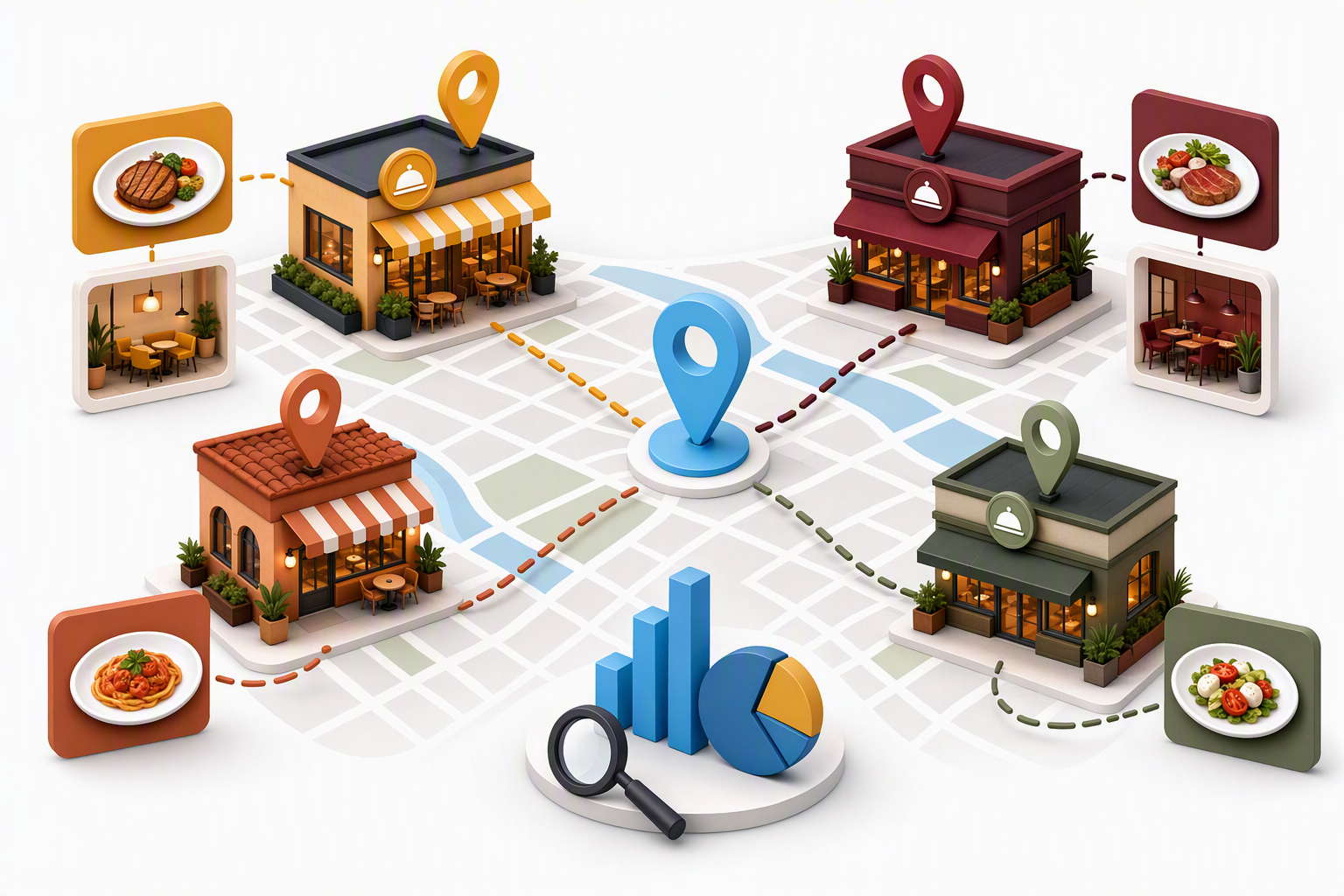
A restaurant group with several venues should give each genuine location a useful page. Include the exact address, opening hours, transport, parking, accessibility, menu differences, atmosphere and booking route for that venue.
Do not duplicate one page and replace only the town name. Guests want to know what is different about the location they are considering. A branch inside a shopping centre may have different access and hours from a standalone restaurant.
Connect each location page to the correct Google Business Profile and booking destination. This reduces confusion and helps search engines understand which restaurant serves which local audience.
Support multiple locations without cannibalisation
Restaurant groups need a clear page hierarchy. The group or brand page can describe the overall offer, while location pages own branch-specific searches. Menu, booking, private dining and event pages should link to the locations that actually provide those services.
Review whether locations compete for the same generic query. If every page uses the same title, paragraph and menu wording, it is difficult for a guest or search engine to understand the difference.
Use location-specific photographs, practical details and booking data. The GSC report includes searches about restaurant groups competing in search and how to stop restaurant locations cannibalising each other, so this structure is particularly relevant to the site’s observed demand.
Make the website useful on a phone
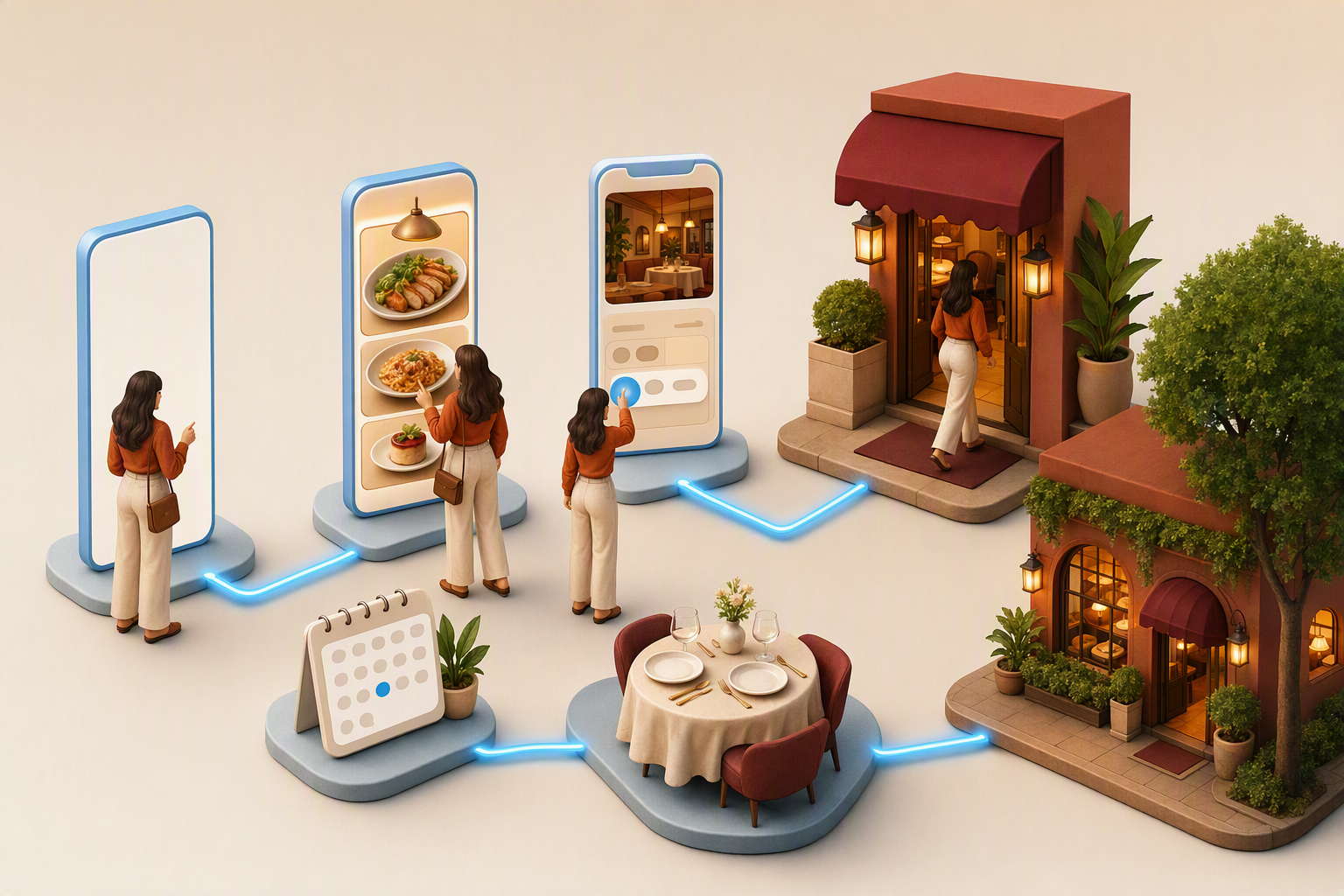
Many restaurant searches happen when someone is already travelling or deciding where to eat. Keep the address, call button, opening hours, menu and booking route easy to find without excessive scrolling or intrusive pop-ups.
Use readable text and accessible colour contrast. Make booking forms and menu links easy to operate with a touch screen. Add useful alternative text to meaningful images and do not rely on an image of a menu that cannot be read by everyone.
Check the pages at different times and from outside the restaurant’s immediate area. A fast website that shows an old closure message is still a poor local-search experience.
Use local content that earns its place
Restaurant content can support local visibility when it answers genuine questions. Useful examples include where to park, how to reach the venue from a station, how private dining works, what a seasonal menu includes or how to plan a group booking.
Link these explanations to the relevant menu, location and booking page. Avoid generic articles that mention a town repeatedly but give no practical reason to visit the restaurant.
Seasonal content can be effective when it is maintained. Update Christmas, summer terrace, festival, brunch or event pages before the season and remove or update them when the offer ends.
Make local landing pages useful
A local landing page should help a guest decide whether the restaurant is convenient and suitable. Include the exact venue, the offer, the area it serves, transport or parking details, menu access and a route to book. Avoid a page that simply repeats the restaurant name and town without adding practical information.
For a restaurant group, keep brand information consistent but make each branch distinctive. Show local photographs, branch-specific menus, opening arrangements and nearby landmarks where these details are genuinely useful. This supports guests and helps prevent locations from competing through identical copy.
Google’s people-first content guidance is a useful standard: the page should be worth visiting even if a search engine did not exist. Local information should improve the dining decision, not merely provide another place to repeat a keyword.
Measure bookings rather than visibility alone
Review Search Console impressions, clicks, queries and landing pages for terms such as local seo for restaurants, seo for restaurants, restaurant local seo, london restaurant seo and seo strategy for restaurants. The current GSC report contains these restaurant-related opportunities.
Connect organic traffic with booking starts, completed reservations, phone calls, direction requests and group enquiries. A page that has fewer visits but produces tables on quieter days may be more valuable than a broad page with many low-intent impressions.
Use the data to find friction. If menu pages receive clicks but bookings do not follow, check availability, page speed, booking clarity and whether the menu matches the search. If direction requests are high, improve entrance and parking information.
Compare performance by day, service and branch when the booking system allows it. A restaurant may attract strong weekend demand but need local content and clearer availability for weekday visits. This gives the team a more useful improvement plan than chasing one average ranking across every search.
Common local SEO mistakes for restaurants
Make the current menu easy to find and readable on a phone.
Showing incorrect hours
Update regular, kitchen, seasonal and holiday hours when they change.
Sending every visitor to the homepage
Link directly to the relevant menu, location, offer or booking route.
Duplicating restaurant locations
Give each branch genuinely useful local information and its own booking context.
Measuring rankings without reservations
Connect search visibility with tables, calls, directions and group enquiries.
FAQs
What is local SEO for restaurants?
It is the process of improving a restaurant’s visibility for relevant local searches and making it easy for guests to view the offer, find the venue and book.
Does a restaurant need a Google Business Profile?
A restaurant with a genuine customer-facing location will usually benefit from an accurate Google Business Profile showing its real information, hours, category, photos and booking route.
Should every restaurant location have its own page?
Genuine branches usually benefit from specific pages with unique access, menu, hours and booking information. Avoid pages that differ only by town name.
How can restaurant SEO generate more bookings?
Match pages to dining intent, keep local information accurate, make menus easy to access, provide a simple booking route and measure completed reservations rather than traffic alone.
Final thoughts
Local SEO for restaurants works when search visibility supports the real dining decision. Accurate profiles, useful menus, location-specific pages, mobile booking and practical local information give guests the confidence to choose a venue and reserve a table.


