

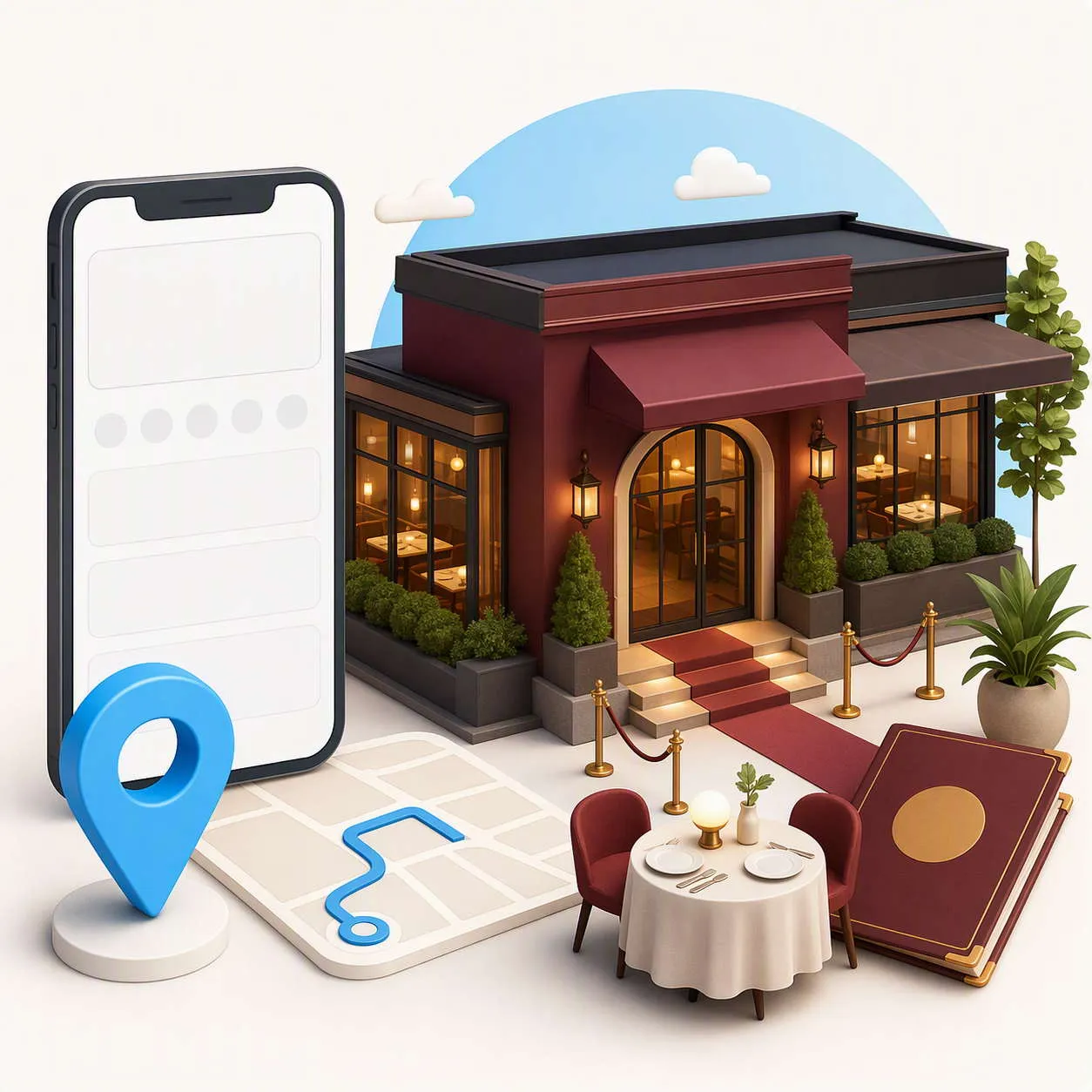
Google Business Profile for restaurants helps guests decide where to eat before they visit the website, call the venue or make a reservation. The profile can show the restaurant name, address, hours, menu link, photos, reviews and booking route. For hospitality businesses, accurate information matters because a guest may be deciding where to go within minutes.
This guide focuses on managing a restaurant or hospitality business profile accurately and usefully. It supports the wider Hospitality SEO strategy and the Local SEO for Restaurants guide. It does not repeat the planned articles about restaurant keyword mapping or review impact.
Use the restaurant’s real identity
Set the profile name to the genuine name used on signage, menus, official documents and customer communications. Do not add a town, cuisine keyword or promotional phrase simply to make the listing appear more relevant.
Choose the most accurate primary category for the actual operation. A restaurant, café, pub, takeaway, bakery or event venue may need different categories. Add secondary categories only when they genuinely describe the business.
Categories should describe what the business is, not list every feature it has. A restaurant with a terrace is not automatically a separate terrace category, and a venue that hosts occasional events should not represent itself as a dedicated event venue unless that is a genuine core offer.
Keep address, phone and website details accurate
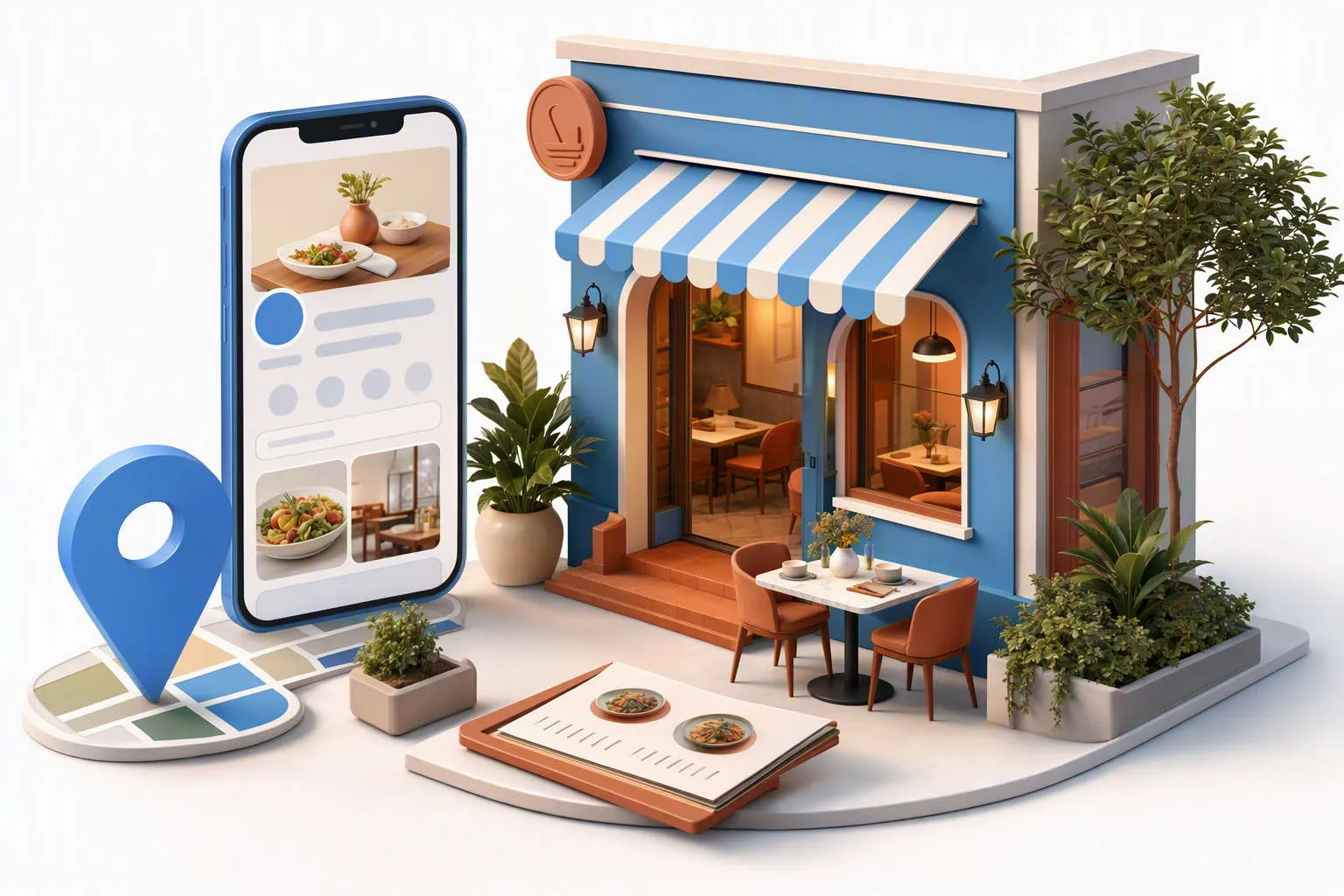
Check the street address, phone number, website link and entrance information. Match the details with the restaurant website, booking platform, social profiles and important directories.
A venue inside a hotel, market, shopping centre or larger building may need additional access instructions. Tell guests which entrance to use, where parking is available and whether the restaurant is on a particular floor or behind a shared reception.
If a group operates several restaurants, each genuine location should have the correct branch details. Use the local phone, location page and booking destination that help the guest reach the venue they selected.
Set regular and special opening hours
Publish customer-facing hours and update special hours for bank holidays, seasonal changes, private events and temporary closures. If the kitchen closes before the dining room, explain that difference on the website and in the booking information.
Check the hours before busy periods. A guest may search while travelling and assume that an “open” listing means they can order food or be seated immediately. If service depends on bookings, make the condition clear.
Google’s Business Profile guidelines cover accurate business representation, addresses, categories, phone numbers and hours. Use them as a reference when the restaurant changes location or service model.
The profile should send guests to the most useful destination. This may be the current menu, a booking page, a location page or a group-booking route. Do not send every visitor to a homepage that hides the information they came to find.
Make sure the link works on a phone and preserves the restaurant and location context. A guest should not have to select the branch again without explanation or arrive at a menu for a different venue.
Show what happens when there is no availability. Offer a waitlist, alternative time, phone route or enquiry form where possible. If large groups require a separate process, link to it directly.

Use current photographs guests can recognise
Photos can reduce uncertainty before a first visit. Include the exterior, entrance, dining room, bar, terrace, private-dining space and representative dishes where appropriate. Guests should be able to recognise the venue when they arrive.
Use current photographs rather than generic hospitality stock images. Remove images after a refurbishment, move or substantial change to the layout.
Do not publish personal information, payment screens, booking lists or identifiable guests without appropriate permission. The profile should show the experience without exposing private details.
Add menu or service information that is genuinely available at the venue. If a tasting menu, Sunday lunch, afternoon tea, private dining package or seasonal offer is limited by date or branch, explain the condition on the destination page.
Do not use the profile to make exaggerated claims such as guaranteed availability or “best restaurant” statements that cannot be supported. Clear descriptions help guests choose without creating expectations the team cannot fulfil.
Keep profile information aligned with the menu page, booking system and staff knowledge. A guest who books based on an old offer may feel misled even if the change was accidental.
Manage restaurant reviews professionally
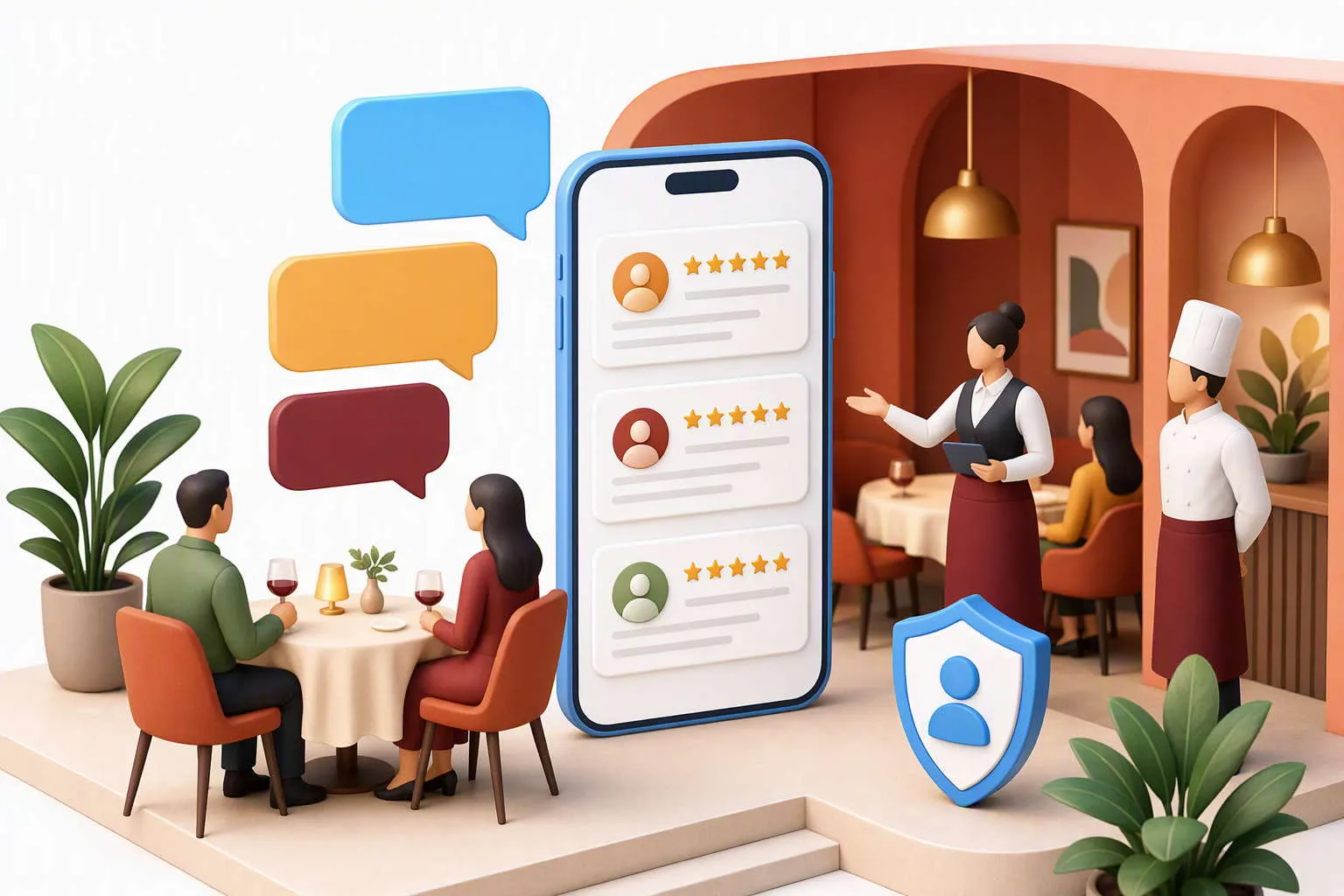
Reviews can help a new guest understand food, service, atmosphere, accessibility and the booking experience. Invite genuine feedback after a real visit, but do not request only positive ratings or offer an incentive.
Respond to concerns without publishing private booking or payment details. Acknowledge the issue, avoid arguing about personal information and move the conversation to an appropriate private route when needed.
Do not ask guests to include personal details in their review. Repeated feedback about a missing menu, difficult entrance or confusing booking route can show where the profile or website needs improvement.
Keep multiple locations separate and consistent
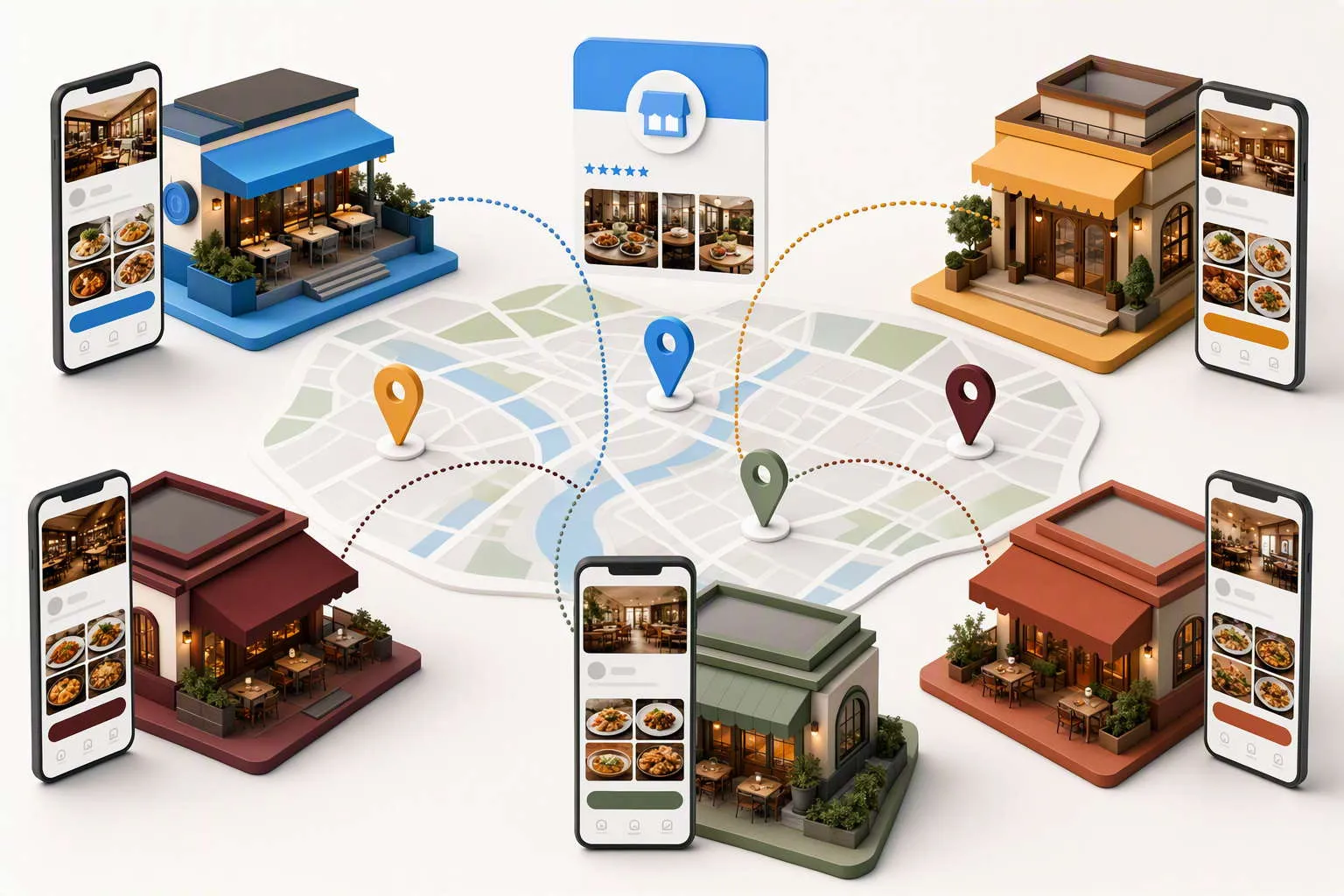
Restaurant groups need a clear profile process for every venue. Record the address, phone number, hours, menu, services, photos, booking link and local contact owner for each branch.
Do not duplicate one profile’s information across every location. Each restaurant should show genuine differences in menu, atmosphere, access, opening arrangements and local service.
The website should use a matching location structure. The group page can introduce the brand, while individual pages and profiles should answer branch-specific questions. This helps reduce the location cannibalisation concerns already visible in Hospitality GSC data.
Use profile updates carefully
Updates can highlight a seasonal menu, a new opening arrangement, a private dining service or a temporary change. A useful update gives guests a reason to click and points to accurate detail.
Review time-sensitive updates after the event or offer ends. An old Christmas menu or expired booking message can make the listing look neglected.
Keep promotional information factual and avoid making the profile a stream of vague sales claims. The main value of the listing is helping a guest understand the current venue and take the right next step.
Use profile updates to answer questions that affect the visit: whether a terrace is open, how a seasonal menu works, whether a private room can be requested or which entrance is available during building work. Google’s people-first content guidance is a useful standard because every update should help a guest rather than exist only to repeat a phrase.
Answer questions without creating privacy risks
Guests may ask about parking, menus, accessibility, bookings, dietary requirements or group sizes. Answer general questions clearly and keep personal booking information out of public replies.
If a question relates to an individual reservation, ask the guest to use the booking provider or private contact route. Do not publish names, phone numbers, payment details or booking references in the response.
Review questions regularly so outdated answers do not remain visible after hours, menus or policies change.
Guests may use the profile to decide whether a venue can meet dietary or accessibility needs. Link to current menu and allergen information, and explain where guests should ask the restaurant directly when ingredients or preparation can vary.
Do not make broad promises about allergen-free preparation unless the kitchen can support them. The profile should set a realistic expectation and give the guest a clear route to ask a specific question before booking.
Check menu links after seasonal updates, changes to booking providers and website migrations. A broken or outdated menu can lose a booking even when the profile has strong visibility.
Make accessibility and arrival information clear
Show useful details about step-free access, toilets, high chairs, parking, public transport, entrance arrangements and seating where the restaurant can describe them accurately. A guest should not need to call simply to discover how to enter the venue.
Use respectful, precise language. If access is partial or depends on a particular entrance, explain the limitation. Update the information after building work or a change to the layout.
Measure profile actions and reservations
Track website clicks, calls, direction requests, menu views, booking starts and completed reservations where the systems allow it. Compare the actions with suitable covers and group enquiries rather than counting every click as a success.
The current GSC report includes seo for restaurants with 12 impressions, local seo for restaurants with 8, seo for restaurant groups with 13, london restaurant seo with 16 and multi location restaurant seo with 2. These queries show demand around hospitality search visibility, but profile performance should ultimately connect to real guest actions.
Look for friction. High menu views with few bookings may indicate outdated availability, a slow booking route or unclear branch selection. High direction requests with guest complaints may indicate entrance or parking information needs improvement.
Compare profile actions by branch and service where possible. A private-dining enquiry, a lunchtime reservation and a large group booking may need different landing pages and different follow-up. This makes the profile more useful as part of the hospitality customer journey, not just as a source of map visibility.

Common profile mistakes for restaurants
Adding keywords to the name
Use the genuine brand name and describe cuisine and services in the correct fields.
Keep menu links current and remove expired offers or seasonal information.
Using one profile for separate branches
Represent genuine locations with accurate branch-specific information.
Ignoring arrival details
Explain entrances, parking and access so guests can reach the venue confidently.
Measuring views instead of reservations
Connect profile actions with bookings, calls, directions and suitable guest enquiries.
FAQs
What is Google Business Profile for restaurants?
It is the Google listing that represents a restaurant in Search and Maps. It can show the address, opening hours, menu link, photos, reviews, services and booking route.
It should provide an accurate, easy-to-use route to the current menu. The detailed menu can live on the website, but the profile link should work on mobile and match the selected branch.
Does every restaurant branch need a separate profile?
Genuine customer-facing branches generally need accurate location-specific profiles. Each should have its own correct details, photos, hours and booking route.
How can a restaurant get more bookings from Google?
Keep the profile accurate, link to the right booking route, show the current menu, use real photos, answer practical questions and measure completed reservations rather than impressions alone.
Final thoughts
A useful Google Business Profile for restaurants makes the dining decision easier. Accurate identity, hours, menu links, photos, reviews, location details, accessibility information and booking routes help guests choose the right venue and arrive with realistic expectations.
Regular checks keep those details useful during busy seasons, menu changes and branch updates.


