


For a dental practice, Google Business Profile is often the first place a potential patient sees the clinic. Before booking, they may check the location, opening hours, phone number, services, photos and reviews. A well-managed profile can support local visibility, but its real purpose is to make the next appointment step clear and trustworthy.
This guide focuses specifically on Google Business Profile for dentists and dental practices. It complements our existing local SEO for dentists guide rather than repeating the wider patient-acquisition strategy.
Decide what the profile should help patients do
A dental practice profile may serve different patient needs. Someone with an urgent problem wants a phone number and current availability. A new patient may want to understand routine care, private treatment or how to request an appointment. Someone considering cosmetic treatment may need confidence in the clinic, clinicians and consultation process.
Choose the main action before changing the profile. That could be calling the practice, requesting an appointment, finding directions or visiting a treatment page. A profile can support several actions, but the information should not make every route equally confusing.
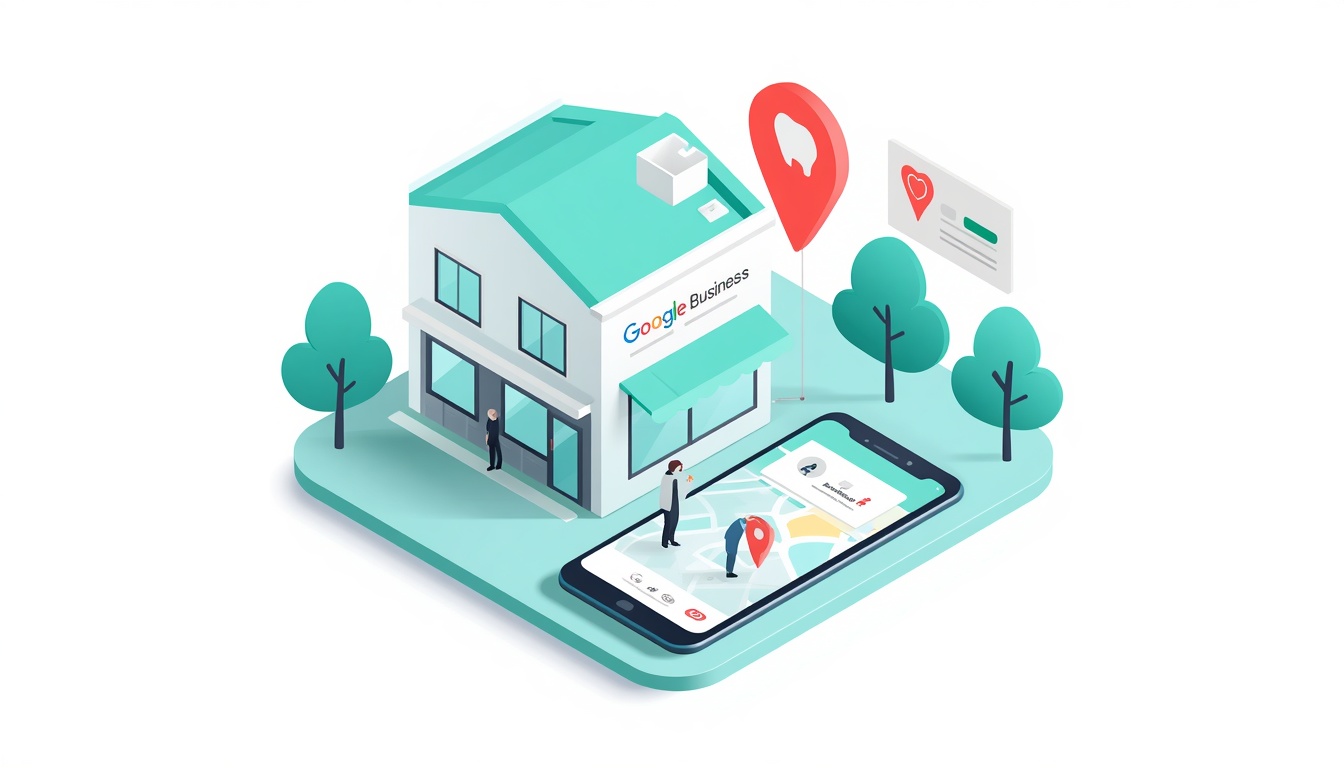
Use the most accurate practice category
The primary category should describe the practice as accurately as possible. Do not select a category simply because it contains a popular dental service. Add secondary categories only when they represent genuine areas of the clinic’s work.
Categories support context, but they do not replace a clear website. A practice offering general dentistry, implants and emergency appointments should explain those services on appropriate pages. The profile can signpost the most important routes without becoming a long list of treatment keywords.
Review the category when the practice changes its services or location. If several clinicians work from one address, avoid creating duplicate profiles for each person unless there is a genuine, separately identifiable business presence.
Make the core practice information reliable
Check the practice name, address, phone number, opening hours and website link. The details should match the clinic website, appointment system and important healthcare or local directories. Update holiday hours and temporary closures so a patient does not travel to a closed practice.
If the practice operates across multiple surgeries, each location should have its own accurate details and a relevant location page where appropriate. Do not copy one branch’s opening information to another. Patients need to know which surgery they are contacting and where an appointment will take place.
Google’s official Business Profile guidelines are the right reference for representing the practice. Keep the profile factual and useful rather than adding unsupported claims about results or treatment outcomes.
Link patients to the right appointment route
The profile website link should not always lead to the homepage. A local practice page or appointment page may be more useful, especially when the visitor is ready to call, request a new-patient appointment or find directions.
Make the route clear for different needs. A general patient may need a booking page, someone with an urgent issue may need a phone route and a cosmetic patient may need a consultation page. The profile and landing page should use consistent opening information and explain what happens after the enquiry.
Test the route on a phone. A patient may be searching while in discomfort or while travelling. The number should be easy to tap, forms should be short and important treatment information should not be hidden behind unnecessary menus.

Describe services without overpromising
Add relevant services such as check-ups, hygiene appointments, emergency dental care, implants, orthodontics or cosmetic consultations only where the practice genuinely provides them. Descriptions should help a patient understand the next step, not promise a guaranteed result.
Healthcare and dental copy needs particular care. Avoid claims that could mislead patients about outcomes, urgency or suitability. If a treatment requires a consultation, say so. If emergency availability is limited, make the hours clear.
Keep profile services aligned with the website treatment pages. When a service changes, update both places. A patient who clicks from the profile to a page describing a treatment the clinic no longer offers will lose confidence quickly.
Use images that make the practice recognisable
Photographs can reduce uncertainty before a patient books. Add a clear exterior image, reception and treatment-room photographs, team images where appropriate and genuine practice details. Keep them current and make sure the clinic has permission to use images of staff, patients or facilities.
Do not rely only on generic smiling-patient stock images. A person may want to recognise the building, understand the atmosphere and see who they will meet. Images should support an accurate expectation of the appointment.
Image quality matters, but accuracy matters more. An attractive photograph of a room that no longer exists is not a useful trust signal. Review the image set whenever the practice moves, refurbishes or changes its services.
Handle reviews with privacy in mind
Reviews can influence whether a new patient feels comfortable contacting a dental practice. Ask for honest feedback through a consistent process, without offering incentives or asking people to describe private treatment details publicly.
Respond professionally and protect confidentiality. Thank patients for feedback without confirming that a person was treated at the practice or revealing information about a procedure. If someone raises a clinical or personal concern, invite them to continue the conversation through an appropriate private channel.
A practice should not try to make every review sound identical. Genuine, varied feedback is more credible than a collection of statements that appear scripted. Reviews support the profile, but they should not replace clear treatment information, clinician details and appointment guidance.

Manage more than one surgery carefully
Multi-location practices need a simple ownership and maintenance process. Record the address, telephone number, hours, profile owner, location-page URL and appointment route for each surgery. Review these details when staff, services, phone systems or opening arrangements change.
Each location should have a genuine local purpose. Do not create duplicate profiles for departments that share one address, and do not use one branch’s photos or phone number on another branch’s listing. Clear local information helps patients choose the correct surgery.
Where locations have different services, explain the distinction on the relevant pages. One surgery may offer implants while another focuses on general or emergency care. The profile, page and appointment process should all reflect that difference.
Keep profile updates useful for patients
Practice updates can help when they answer a current patient question. A post might explain a change to opening hours, introduce a new service, share a useful oral-health resource or direct people to an appointment page. Keep the subject clear and avoid turning every update into a sales message.
Remove or update time-sensitive information when it is no longer accurate. A seasonal opening notice, old event or discontinued treatment should not remain prominent. For practices that offer emergency appointments, make sure any update reflects the actual hours and route patients should use.
Use the website for full treatment explanations and the profile for a concise signpost. This keeps the listing useful without trying to place every clinical detail into a space designed primarily to help people find and contact the practice.
Measure appointments, not only profile views
Profile views and discovery searches show that the practice is being found, but they do not reveal whether the activity is useful. Track calls, appointment requests, direction requests and visits to priority treatment or booking pages where the data is available.
Separate new-patient enquiries from existing-patient administrative calls when possible. A profile that generates many calls may not be performing well if most callers are asking for information that the website should already provide. Review the quality and outcome of enquiries with the reception team.
Google’s Search Console resource can help the practice review queries, clicks and impressions for the linked page. Combine that information with booking and call data rather than relying on rankings alone.

Keep the profile aligned with the wider dental search strategy
A Google Business Profile should support, not replace, the practice website. The profile can help a clinic appear for local dentist searches, while treatment pages explain the information a patient needs before booking. A wider local SEO for dentists UK strategy may include location pages, treatment content and technical improvements, but the profile should remain focused on the real practice and its current patient routes.
Review the profile when the website changes. If the practice adds a new treatment page, changes its appointment system or updates emergency arrangements, check the linked profile at the same time. This simple process helps prevent a patient from seeing one message in Search and a different one after clicking through to the website.
Do not create separate listings simply to target variations such as local dentist SEO or SEO for dentists UK. Those are marketing phrases, not reasons to create duplicate practice profiles. Keep one accurate profile for each genuine location and improve the connected patient journey.
Common profile mistakes for dental practices
Sending every patient to the homepage
Use the most relevant local or appointment page so a patient can understand the next step without searching the whole site.
Using treatment claims that need a consultation
Be clear about assessment and suitability. Avoid guaranteeing an outcome that depends on a clinical examination.
Leaving hours and emergency information outdated
Check holiday hours, temporary closures and emergency arrangements regularly. Incorrect information creates a poor experience at exactly the moment a patient needs certainty.
Replying to reviews in a way that reveals patient information
Keep replies general and professional. Move personal or clinical concerns to a private, appropriate channel.
FAQs
What is Google Business Profile for dentists?
It is the Google listing that represents a dental practice in Search and Maps. It can show practice information, services, photos, reviews, updates and links that help a patient decide how to contact the clinic.
Which category should a dental practice choose?
Choose the most accurate primary category available for the practice and add secondary categories only where they describe genuine services. Categories should support clear website and treatment-page content.
Can Google Business Profile generate new-patient appointments?
It can support appointment enquiries when the practice information is accurate, the profile links to a useful booking route and the phone or form is easy to use. Measure completed appointment enquiries rather than profile views alone.
Should each dental surgery have its own profile?
A genuine location may need its own profile with accurate address, phone, hours and local page. Avoid duplicate profiles for departments or clinicians who share the same practice location.
Final thoughts
A strong Google Business Profile gives a dental practice a reliable local starting point. The best result comes when the listing, website, treatment information, appointment route, images and review responses all create the same clear and trustworthy patient experience.
For the wider strategy, see the SEO for dentists industry page and our broader local SEO for dentists guide.


